

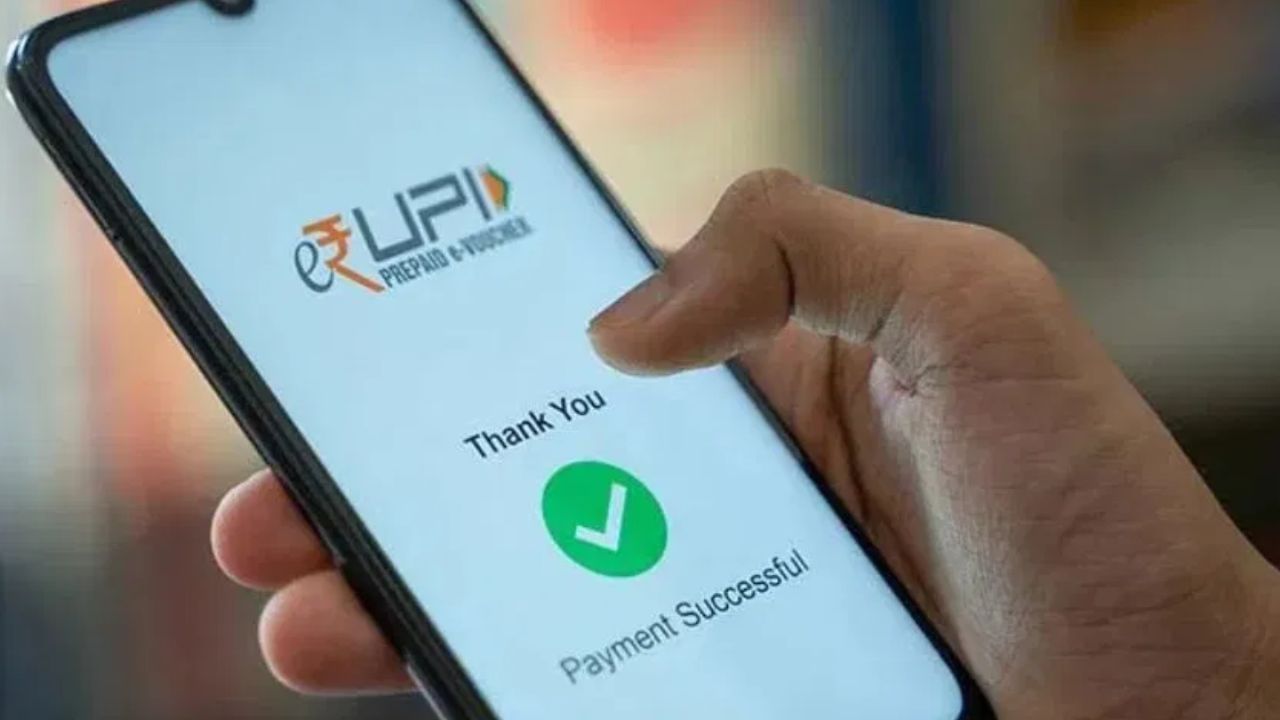
UPI makes payments easy, but mistakes are inevitable. Sending money to the wrong recipient is a common issue, and people often wonder how to get their money back. Here’s a straightforward guide to help.
First, check your transaction details within your UPI app (Google Pay, PhonePe, Paytm, BHIM UPI). Review the history to see where the money was sent, and make sure to note down the transaction ID or UTR number. Immediately contact the customer support of your UPI app. Look for the help or customer support option, and report the incorrect transaction, providing the transaction ID. The app will then try to contact the recipient’s bank.
If the app doesn’t resolve the issue, contact your bank branch or customer care and provide your transaction ID and the date of the transaction. Your bank will then send a request to the recipient’s bank to reverse the payment.
If the bank and the app fail to resolve the issue, you can file a complaint on the NPCI (National Payments Corporation of India) website. For large transactions, consider reporting the issue to your local police’s cybercrime cell, providing all the relevant details like payment screenshots and transaction details. Both the police and bank can work together to retrieve your money.
To avoid making mistakes, always double-check the account number or mobile number before sending money. While scanning a QR code, ensure that the receiver’s name is correct. If you do send money incorrectly, act quickly, as it becomes harder to recover funds with delay.