

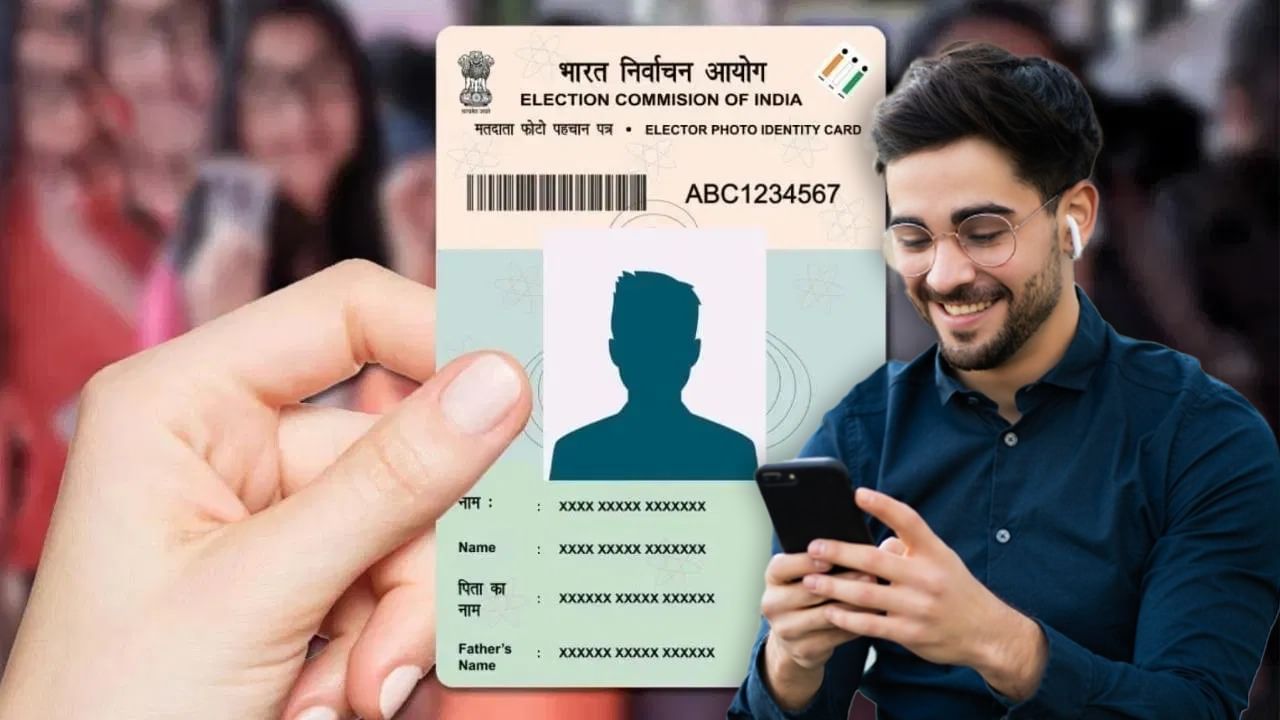
The Voter ID card is a vital document not only for voting but also for identity verification in various official procedures. It includes essential information such as your name, photo, date of birth, and address. However, inaccuracies can happen during data entry or card generation, potentially leading to incorrect details. If your name on your Voter ID is incorrect, you can correct it both online and offline. To change your name, you must fill out Form 8. Here’s a detailed guide on Form 8 and the online procedure for name correction.
**Understanding Form 8**
Form 8 is designed for applying for corrections in your details within the electoral roll. You can obtain this form from the official website: https://voters.eci.gov.in/.
**Steps to Change Your Name Online**
1. Navigate to the National Voter Service Portal: https://voters.eci.gov.in/.
2. On the homepage, find the option for ‘Shifting of Residence/Correction of Entry in Existing Electoral Roll’ and click on the Form 8 icon associated with it.
3. For name correction, select Form 8.
4. Enter your mobile number; this must be the number registered with your Voter ID. An OTP will be sent to this number.
5. After logging in, enter your Voter ID card number to view your details.
6. Choose the ‘Correction of Entry’ option.
7. Form 8 will appear; fill in all required details.
8. Carefully review the information before submitting.
9. Submit the form.
**Documents Required**
You must provide one of the following documents:
* Utility bill (water, electricity, or gas)
* Aadhaar card
* Bank or Post Office passbook
* Passport
* Birth certificate
* PAN card
* Driving license
* 10th or 12th-grade certificate