

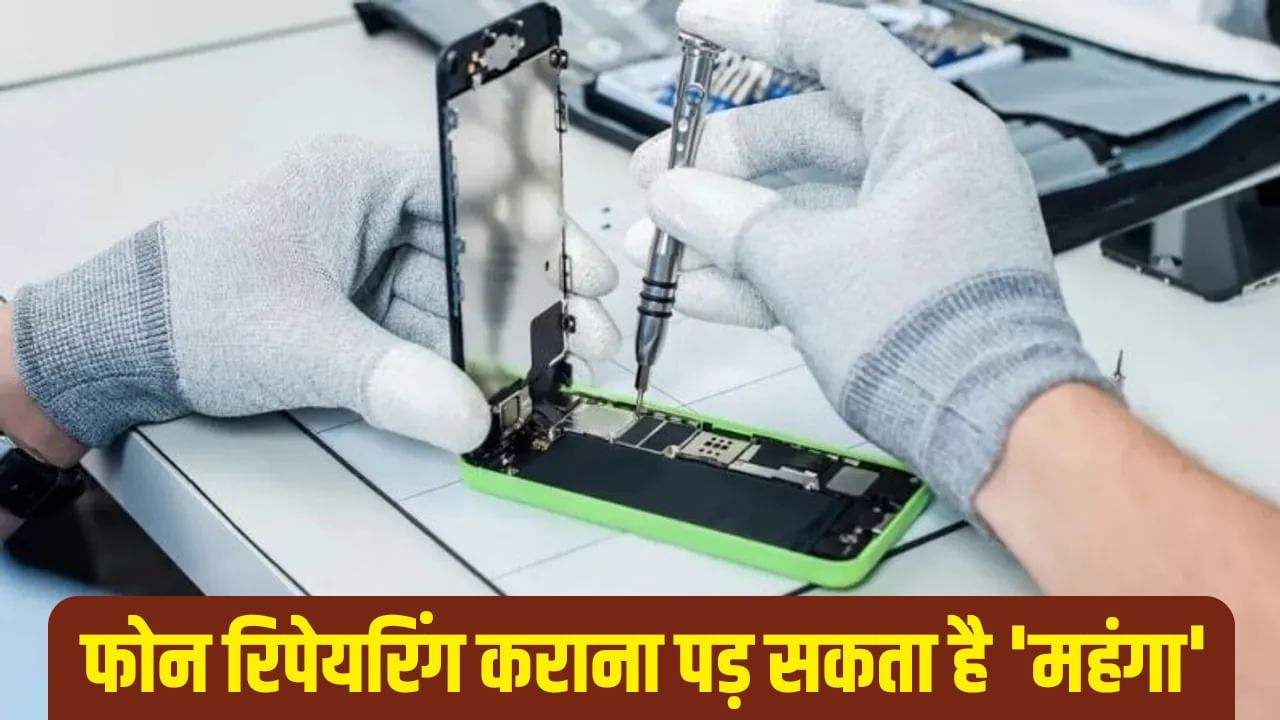
When phones break, people often take them to repair shops. However, some actions can lead to issues. A recent incident in Kolkata involved a woman who claimed that a repair center leaked her private videos.
This situation could affect anyone, so it’s important to take precautions before giving your phone to a repair center.
**Utilize Your Smartphone’s Features**
Before sending your phone for repair, it is crucial to take certain steps. Most smartphones now have features to protect against unauthorized access. These features are available under different names depending on the brand. Samsung and OnePlus offer a ‘Maintenance mode,’ while Apple iPhones have a ‘Repair state.’
Google Pixel smartphones have a ‘Repair mode.’ These modes can be accessed in the phone settings, and you can search for the feature’s name. Keep in mind, this method only works if your phone is still operational.
* **Back up and Reset:** If your phone still functions, save your data to the cloud or a computer or reset the phone before sending it for repair.
* **Remove SIM and Memory Card:** Ensure you’ve taken out the SIM card and memory card before sending your phone for repair.
* **Secure Folder Usage:** Most smartphones have a feature to lock and hide private photos and files. Utilize this feature.