

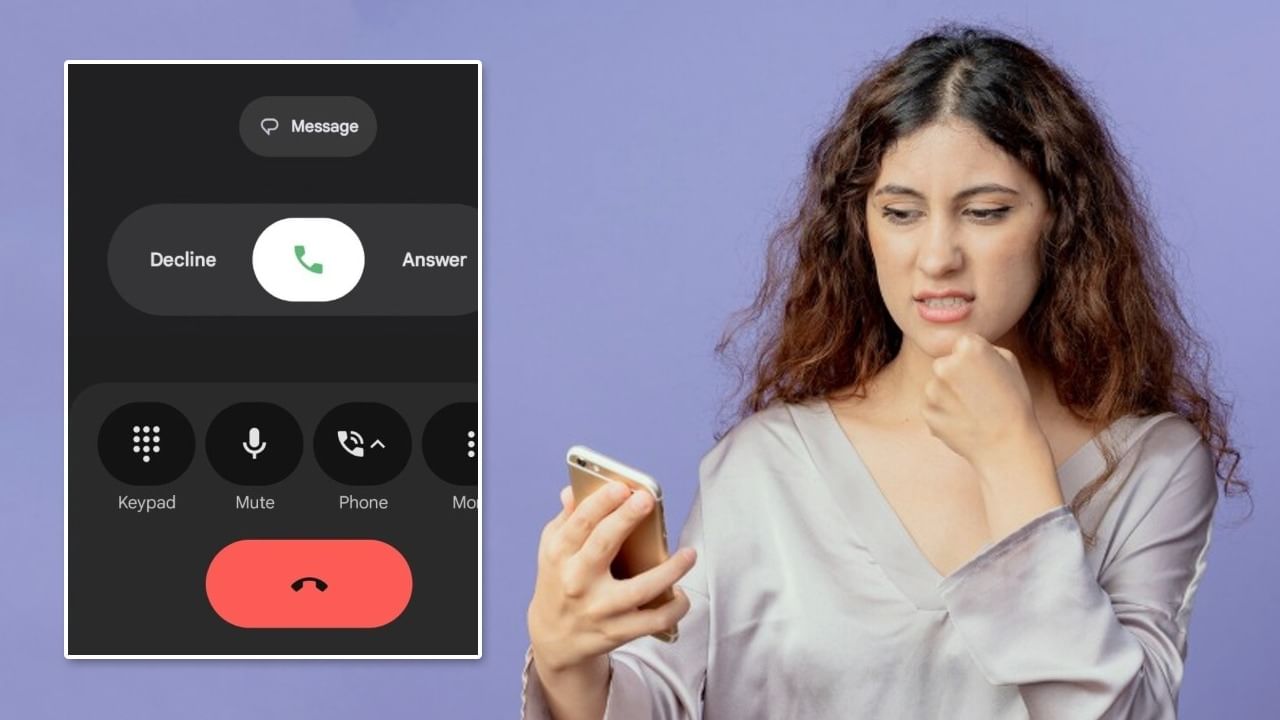
A recent update to the Google Phone app has brought a redesigned call screen interface, leaving many Android users seeking a way to revert to the previous look. While some users appreciate the fresh design, others are expressing their preference for the older version. If you’re among those who prefer the original dialer appearance, there’s a straightforward method to restore it.
### Understanding the Call Screen Design Change
The update, implemented through a server-side push, introduced the Material 3 Expressive Redesign alongside Android 16. This means users didn’t have to manually download a large update; the change was automatically applied. The update, however, caused some users to be surprised by the sudden change in their call interface, leading to dissatisfaction.
### Steps to Revert to the Old Call Screen
If you’re not a fan of the new call screen design, restoring the old interface is easy. Navigate to your phone’s Settings and select the Apps or See all apps option. Then, select the Phone/Dialer app from the list.
Tap the three dots in the top-right corner, revealing the Uninstall updates option. Selecting this will revert the Google Phone app to its factory version, bringing back the classic call screen.
### Important Considerations
Be aware that this process might erase your call history and any custom settings. It is advisable to create a backup beforehand. To avoid automatic updates, disable Auto-Update in the Google Play Store. Keep checking the Google Play Store for timely updates when needed.