

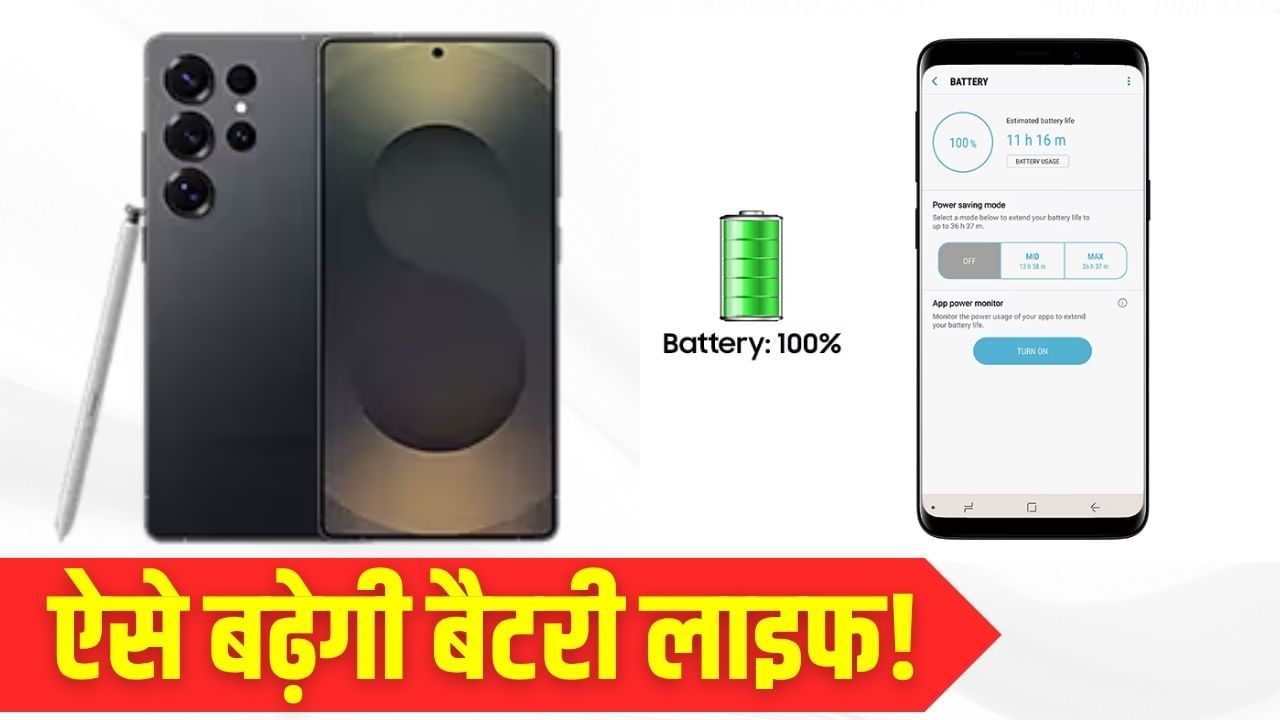
Does your Samsung Galaxy phone struggle to last a full day on a single charge? The manufacturer suggests several straightforward methods to optimize your device’s battery performance. These tips, ranging from adjusting screen brightness settings to enabling power-saving modes, are designed to help you extend your phone’s operational time. By implementing these simple strategies, you can significantly improve your Samsung Galaxy’s battery life, ensuring it remains functional throughout the day. Let’s delve into these helpful techniques.
**Dim the Screen Brightness:**
While the vibrant display of a Samsung Galaxy is appealing, it can be a major drain on battery power. Lowering the brightness and shortening the screen timeout duration can conserve a considerable amount of battery. Access the brightness slider from the top of your screen to reduce the intensity, and consider setting the auto-brightness feature with a 30-second timeout.
**Eliminate Battery-Intensive Apps:**
Applications that have been dormant for extended periods can still consume battery resources in the background. To address this, long-press the app icon on your home screen to uninstall it or navigate to Settings > Apps to remove it. If uninstalling isn’t an option, disabling the app is a practical alternative.
**Evaluate the Always On Display Feature:**
The Always On Display feature on Samsung devices is convenient, but it also contributes to quicker battery depletion. In Settings > Lock screen > Always On Display, you can disable the feature entirely or configure it to activate only during specific timeframes.
**Manage Wireless Connectivity:**
When features like Wi-Fi, Bluetooth, and GPS are not in use, it’s beneficial to disable them. These functions persistently seek out connections, leading to increased battery consumption. The most direct approach is to toggle these settings off via the quick settings menu.
**Activate Power Saving Mode:**
Power Saving Mode limits background processes, lowers the screen’s brightness, and introduces a minor impact on overall performance. You can manually enable this mode in Settings > Device Maintenance > Battery or set it to activate automatically.
**Keep Software Updated and Sync Settings Optimized:**
Outdated software can accelerate battery drain. Check for updates by going to Settings > About phone. Furthermore, minimize or manually update the auto-sync settings of apps like email and social media.
**Adopt Proper Battery Usage Habits:**
Avoid letting your battery completely discharge. Lithium batteries can be susceptible to damage if they fall below 20% charge. For long-term storage, charge your phone to 50% and keep it in a cool, dry location.
**Be Mindful of Signal Strength:**
In areas with weak network signals, your phone works harder, leading to faster battery depletion. In such circumstances, putting the phone in Airplane mode can also help conserve battery power.