

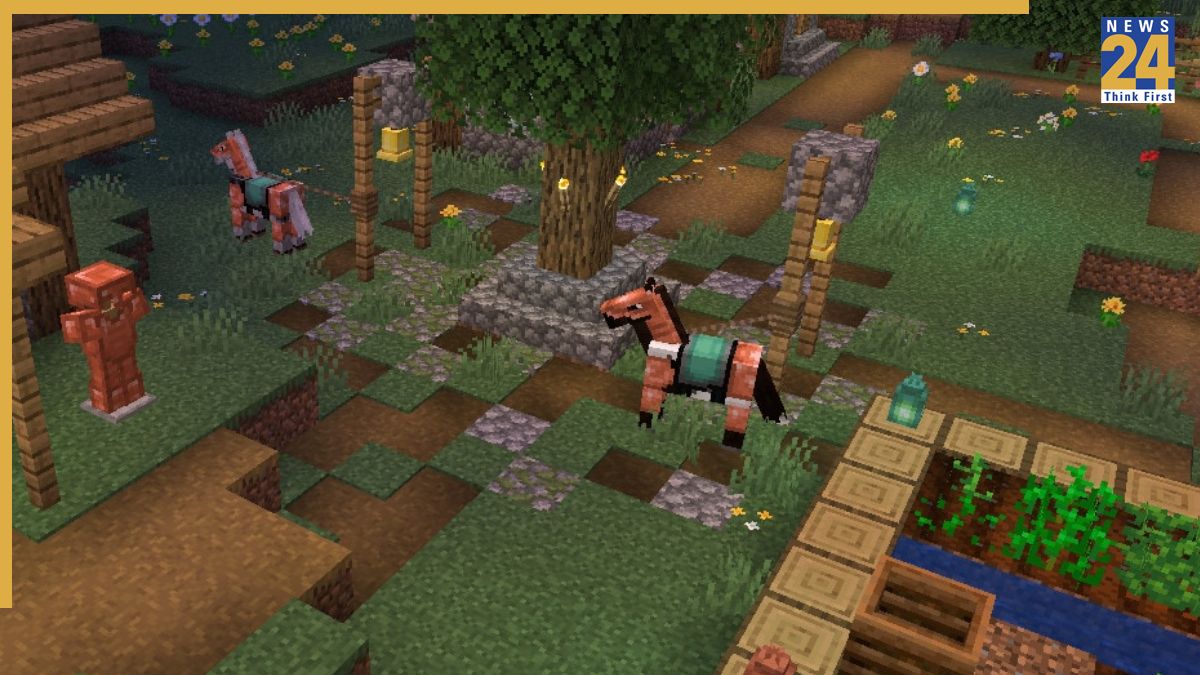
The Minecraft 1.21.9 The Copper Age Java Edition update, the third major update this year from Mojang, is now available. This update brings significant new content and features to Minecraft, improving the gameplay. It’s crucial for players to download the update from official sources only to prevent potential security threats from unofficial downloads. Here is a comprehensive guide to help players download and install the Minecraft 1.21.9 The Copper Age Java Edition update.
Before updating, players need to ensure that their Minecraft Launcher is properly installed and running without any issues. The following steps outline how to update the game:
1. Launch the Minecraft Launcher.
2. Go to the installations tab.
3. Enable snapshots and experimental builds if you wish to access early versions or pre-releases.
4. In the installations tab, search for “1.21.9 – The Copper Age” or a similar phrase.
5. Create or select an installation configured for version 1.21.9, if the official release is available.
6. After installation, select ‘Play’ to start Minecraft with the latest version.
7. Always back up your existing world before launching the updated version, as updates may change world data.