

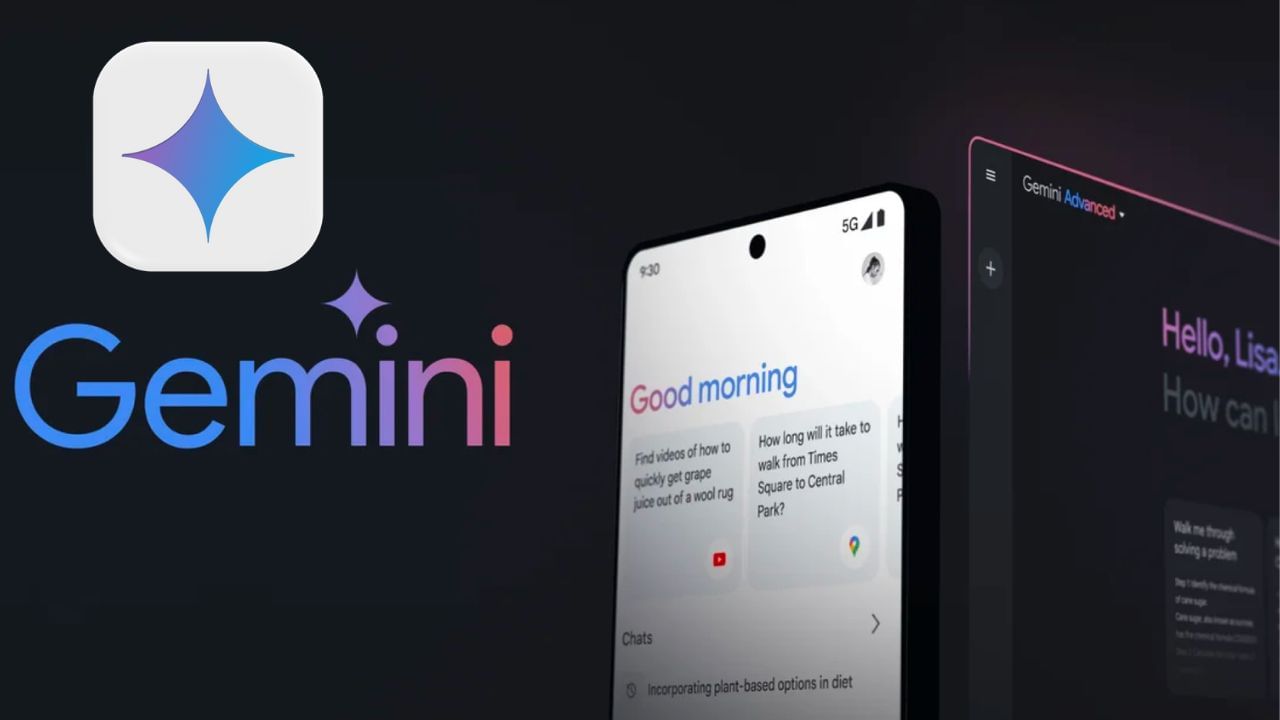
Google has enhanced its Gemini AI platform with a new sharing feature, enabling users to share their personalized “Gems” (AI assistants) with friends, family, and colleagues. This new functionality mirrors the sharing capabilities of Google Drive, streamlining the process of collaborating on AI tools. This article explores the specifics of this new feature and how to implement it.
The update empowers users to share their bespoke “Gems.” The process, as described by Google’s blog, is akin to Google Drive. Users can select the “Share” option from the Gem manager interface.
Users also gain control over access to their Gems, specifying who can view, use, and edit the shared AI assistant. This collaborative approach allows multiple users to benefit from a shared “Gem,” avoiding the duplication of efforts.
Google emphasizes that the new feature simplifies collaboration. For example, a team needing a custom AI assistant can now work from a single, shared “Gem,” eliminating the need for each member to design a separate assistant. Additionally, families can leverage a shared Gem for tasks like vacation planning or seeking writing assistance. This sharing functionality is especially helpful for repetitive tasks.
To build a Gem:
Navigate to the Google Gemini website and log in using your Google account.
Access the “Gem manager” and select the “Create New Gem” option.
Provide a name and instructions for your AI “Gem.”
Save the Gem after it’s prepared.
Test how the Gem responds to your prompts.
Gemini AI debuted last year as “Gemini Advanced,” complete with pre-made “Gems” tailored for tasks like brainstorming, career advice, writing, and coding. While initially limited to Gemini Advanced subscribers, it’s now available to all users. Google extended access to all users in March, incorporating file upload functionality to support personalization. The recent popularity of the banana trend also stems from a Gemini AI feature.