

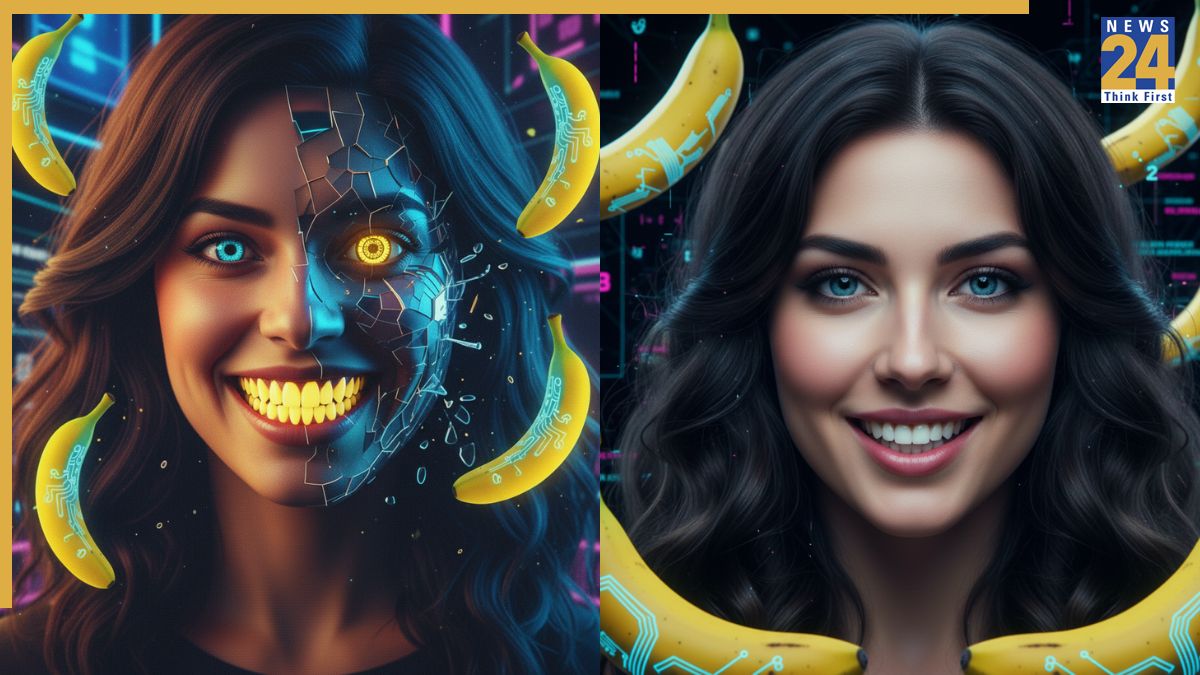
The Google Gemini Nano Banana AI tool has quickly become a popular platform for photo editing, with users sharing their experiences across social media. The AI tool can transform basic photos into extraordinary images using customized prompts. However, achieving the desired results relies heavily on the quality and precision of the prompts. Certain errors can hinder the creation of compelling, lifelike images, resulting in undesired features such as facial distortions or mismatched backgrounds. Here are five crucial points to consider to enhance the quality of your AI-generated images.
1. Avoid uploading low-quality images. The AI needs clarity. For best results, use clear, high-resolution solo photos where the face is fully visible.
2. Avoid overly detailed prompts. Too many instructions can confuse the AI model. Keeping your prompts concise is crucial. Aim for 3-4 specific visual details.
3. Avoid using generalized prompts. Instead of using broad prompts, such as “make me look like a Bollywood actress,” provide the AI with specific characteristics. Detail fabric, color, background elements and lighting styles for better results.
4. Ensure facial consistency. To prevent unwanted changes, include instructions such as, “keep the same facial features.”
5. Don’t overlook the background. Recognize the importance of background settings for the intended output. For example, if creating a Bollywood-inspired image, remember to specify a dramatic backdrop in your prompt.
To use the tool, go to the Gemini 2.5 Flash Image (Nano Banana) portal online or open the Gemini app on your iPhone or Android. Click “Try Nano Banana,” then tap the “+” sign to upload your image, enter a Google Gemini AI photo editing prompt, and press “Enter”.