

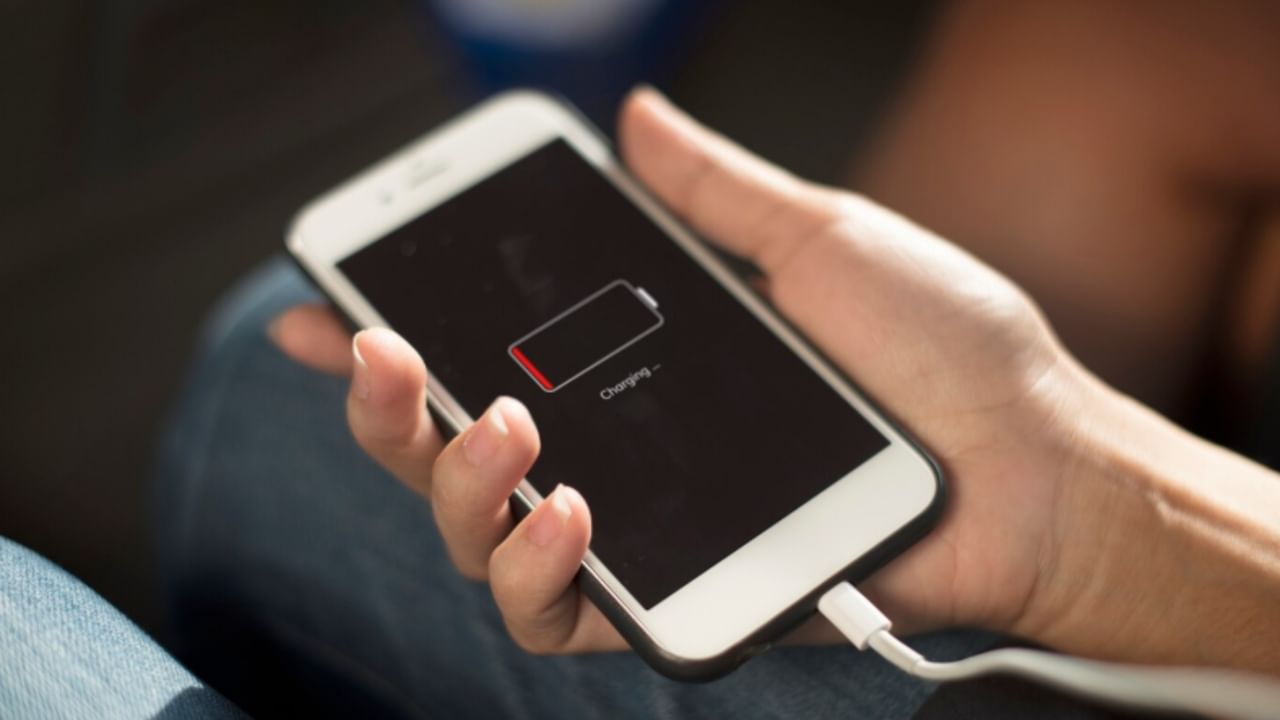
Smartphone battery drain is a persistent issue for users. Unlike older phones, modern smartphones often require daily charging. Fortunately, several settings can be tweaked to improve battery longevity.
The first step is turning off the Always-On Display. This feature, which keeps the screen active to display information, steadily drains the battery. To disable it, go to settings, and access the display or lock screen options. Then, toggle off the Always-On Display.
Enabling Dark Mode also contributes to battery savings by reducing screen brightness. This can be activated in the display settings under the theme options.
Adjust screen brightness levels to a medium setting, or enable auto-brightness. Set a shorter sleep time to minimize screen-on duration.
Android phones include an Adaptive Battery feature that optimizes performance to conserve battery. To activate it, go to settings, select battery, and enable the Adaptive Battery mode.
Also, use the Battery Saver Mode to limit background app activity and balance performance. This mode is sometimes labeled as ‘Extreme Battery Saver’ in device settings.