

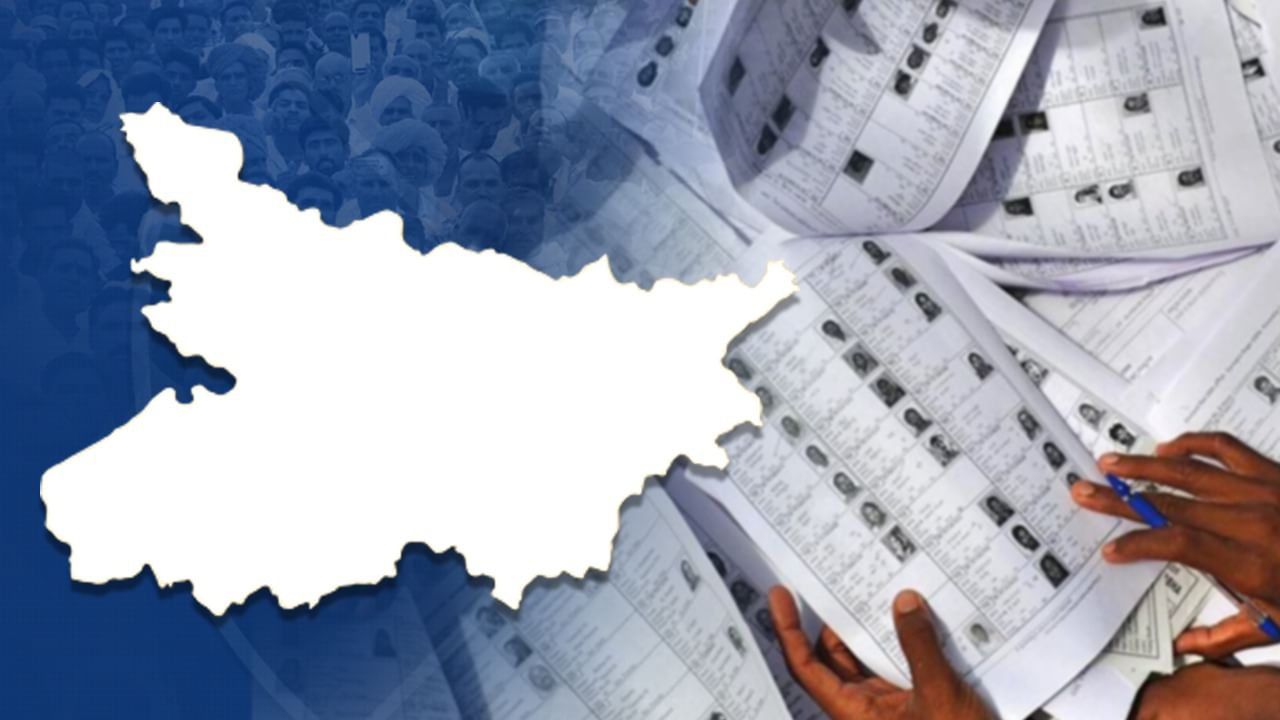
The Election Commission of India has released the draft voter list for Bihar, marking the completion of a month-long Special Intensive Revision (SIR) drive. This revision process is expected to result in the removal of roughly 6.5 million names from the electoral rolls due to updated verification. Concerned citizens can now easily verify their voter status through online platforms and mobile applications.
During the SIR period, which runs from August 1st to September 1st, voters and political entities have the opportunity to request the inclusion of eligible individuals and raise objections to any entries that appear questionable.
Here’s how to check your name on the voter list:
1. By EPIC Number
* Go to: https://ceoelection.bihar.gov.in/
* Select Bihar.
* Enter your EPIC number and CAPTCHA code.
* Click Submit.
2. By Personal Information (If EPIC is unavailable)
* Go to: https://electoralsearch.eci.gov.in
* Click “Search by Details.”
* Provide the following details:
* Name
* Relative’s Name (Father/Husband)
* Date of Birth or Age
* Gender
* District and Assembly Constituency
* Enter CAPTCHA and click Search.
3. By Mobile Number
* Go to: https://electoralsearch.eci.gov.in
* Click “Search by Mobile.”
* Enter your mobile number, verify via OTP, and check your status.
4. Using the Voter Helpline App
Download the Voter Helpline App from:
* Google Play Store
* Apple App Store
* ECI website
How to use the app:
* Log in with your EPIC number or mobile number.
* Alternatively, enter your state, district, and constituency manually.
* The app displays your current voter status.
Verify your information using the online portal, mobile number, or Voter Helpline App.
Ensure you take action before September 1st to add or correct details.
Special provisions are in place for new voters born after July 1, 1987.